
Marquee Block for WordPress
Introducing the marquee block: a powerful CSS-based animation block for WordPress.
Transform static content into dynamic experiences with this Gutenberg block. Effortlessly scroll text, images, and any elements horizontally or vertically for a captivating user experience. Easy setup with a user-friendly interface and no coding skills required.
Ideal for grabbing attention, sharing updates, or showcasing creativity. Fully customizable and optimized for performance on every WordPress site
Trial by
19,473+
Trusted by
1,000+
Reviews
Version: 3.0.0
Last Updated: 2 months ago
Requires WordPress Version: 6.4+
Requires PHP Version: 7.4+
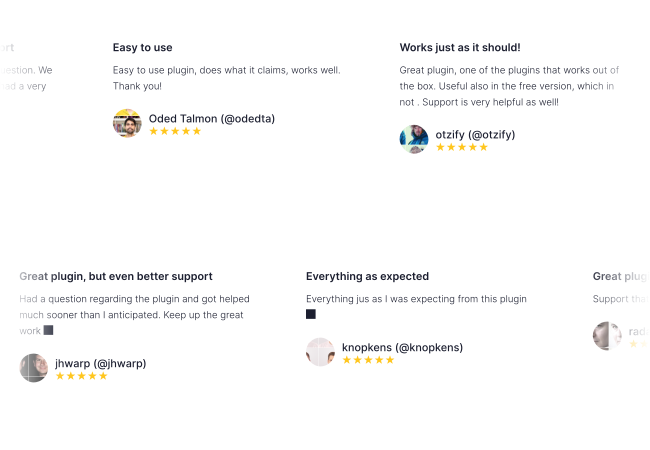
Boost Sales with Engaging Review Displays
Reviews are invaluable assets for any business. With the Marquee plugin for WooCommerce, you can showcase your reviews in an engaging and visually captivating animation that grabs attention. This dynamic display is sure to build trust and boost your sales opportunities.
Amazing accessible marquee!
Thank you for creating this amazing and most of all accessible marquee block! I love how it is coded and how it functions.

Oliver Juhas
●
November 11, 2024
Eye-Catching Brand Logo Showcase
Showcase the logos of various brands on your website with captivating motion using the Marquee plugin. Whether you want to highlight partners, sponsors, or featured brands, this plugin allows you to create a dynamic, scrolling display that draws attention and adds a professional touch.
Excelent!
This is a very very good plugin. The free version has all we need. And this is very stable. 100% recommended. Thanks a lot for share.

Belkis Plaza
●
May 25, 2021

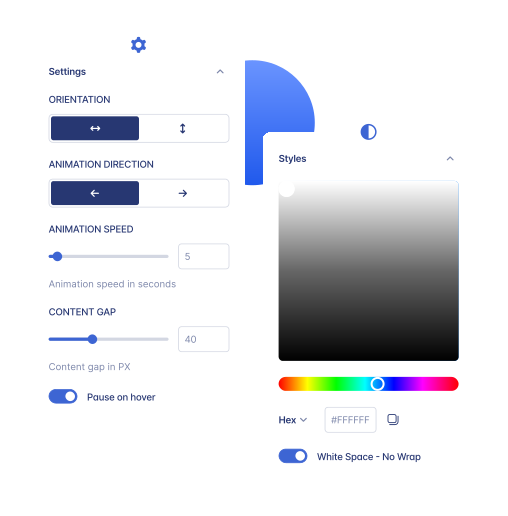
Fully Customizable Design
The Marquee block allows you to customize your content with ease. Choose between images or text, adjust the scroll speed, and control the direction (left, right, horizontal, or vertical). You can also set the gap between lines, mask edges for a seamless look, adjust image height, and select fonts from your global typography rules. Customize the size and alignment to perfectly fit your design.
Great plugin and support
Really great plugin and support. So happy to use it on my project. JUST COOL!

constantinnautics
●
January 13, 2021
Effortless Content Integration
Integrating your content has never been easier! With the Marquee plugin, you can seamlessly incorporate videos, images, text, quotes, and much more into your website. This plugin ensures that your content is displayed in a smooth, eye-catching animation whether you’re showcasing testimonials, announcements, or promotional content.
Amazing plugin
Great simple plugin. It works as expected. I really love that I can use my spectra blocks within this marquee block. I’ve installed some block packages, i.e., Qi Blocks, just to get their marquee block. This one is far superior to another one I’ve tested. Its functionality is awesome. Would you accept some suggestions to develop some more plugins like this? You seem to be a talented developer. Thank you for creating this awesome plugin.

juanraortiz
●
October 19, 2024
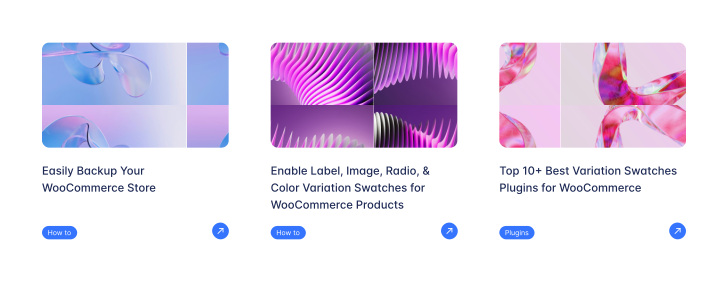
Keep Your Content Moving with Blog Post Scrolling
No One Notices Your Blog Promotions? Make Them Unmissable. Turn static blog content into a dynamic sales tool. With blog post scrolling, you can showcase your latest articles, how-to guides, or announcements in a continuous loop right on your product or homepage. Keep customers informed, engaged, and moving toward conversion.
Cannot believe it’s free
Excellent plugin, makes your variations look nice and simple to set up

darrenackers9
●
April 2, 2018
Seamless Mobile Experience
Ensure your site shines on any device with the WooCommerce Marquee plugin. Easily integrate it through the Gutenberg block editor and customize it to match your style. Deliver a seamless, captivating experience for both desktop and mobile users alike.
Exceptional Customer Service
Truly one of the best customer service teams that I’ve ever come across! These guys are very helpful and very fast in responding to ANY type of issue or question you might have. This is a BIG TIME! I’d highly recommend them to all of my friends.

plamenyordanovdev
●
January 11, 2019

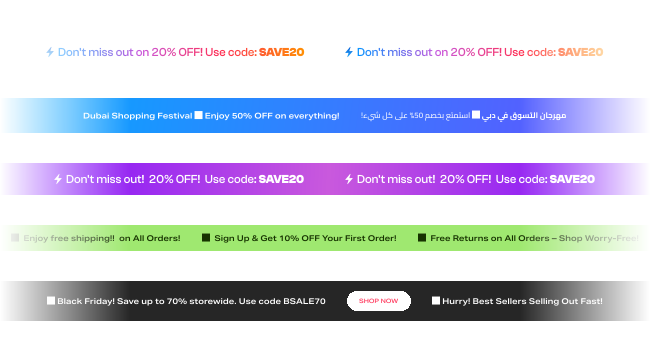
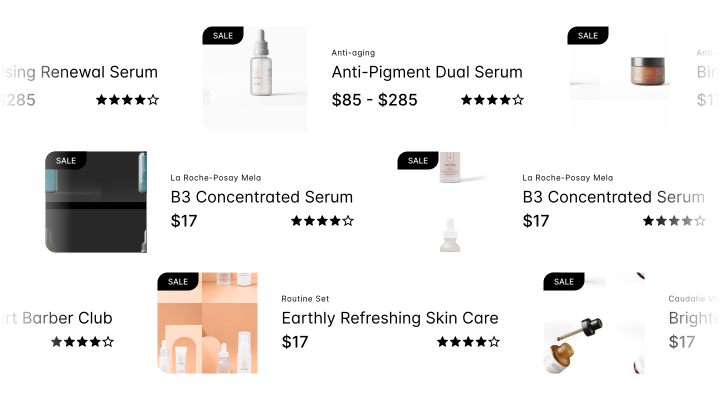
Boost Visibility with Scrolling Banners
Got Offers to Show? Don’t Let Them Get Buried. Use animated banner scrolling to highlight special deals, limited-time discounts, or new arrivals—without taking up extra space. Scrolling banners catch the eye and drive attention to what matters most, increasing clicks and conversions effortlessly.
Great plugin with excellent support
Support helped make the plugin compatible with WPML. Both the pro version and the free version are top notch

avmosel
●
March 27, 2023
Over 1000+ Reviews on WordPress
The Trust We’ve Earned From Our Customers
Very nice
This is a really cool gutenberg block. Thanks for creating it.

patricioschranz
@patricioschranz
One of the best Plugin for WooCommerce
Needless to say we are extremely satisfied with this Plugin.
I can’t say enough about how WooCommerce Variation Swatches help us to meet the needs of our clients. Flexibility, Easy to use, Intuitive and last but not least, a very good and helpful Customer Support.
This Plugin is a must-have in our toolbox!

hrsconsulting
@hrsconsulting
Amazing accessible marquee!
Thank you for creating this amazing and most of all accessible marquee block! I love how it is coded and how it functions.
Here are just some suggestions for possible improvement:
Editor appearance could be improved as currently it is quite confusing as it differs from the front-end appearance. For example, when the block is not selected in the editor, it could display as on front-end (meaning all the child items inline).
Would appreciate setting custom unit for content gap setting. (Maybe use the spacing options interface and values?)
Oliver Juhas
@webmandesign
Great plugin, awesome support!
This plugin is very complete, easy to configure and everything worked great without any issues. I asked for support to change 2 small things that were personal preference -not a plugin problem- and it was fixed right away! Thank you so much Golam

vaninadousdebes
@vaninadousdebes
Amazing plugin
Great simple plugin. It works as expected. I really love that I can use my spectra blocks within this marquee block. I’ve installed some block packages, i.e., Qi Blocks, just to get their marquee block. This one is far superior to another one I’ve tested. Its functionality is awesome.
Would you accept some suggestions to develop some more plugins like this? You seem to be a talented developer. Thank you for creating this awesome plugin.
juanraortiz
@juanraortiz
Excellent plugin with excellent support!
The free version of the plugin is very good, and I received immediate support when using the plugin for the first time. The PRO version has more configuration options that allow even more customization. Excellent!!!

sraymond44
@sraymond44
We Have Answers
Have a different question and can’t find the answer you’re looking for? Reach out to our support team by sending us an email and we’ll get back to you as soon as we can.
How do I add scrolling text to WordPress without code?
Add the Marquee Block in the WordPress block editor, place your text or images inside it, then set direction and speed from the block settings. It’s a native Gutenberg block, so there’s no shortcode to remember, no separate settings page, and nothing to write by hand.
What content can I put inside a marquee?
Text, images, videos, quotes, and any other blocks. Because Marquee Block accepts blocks as children rather than plain text only, you can scroll testimonials, brand logos, blog posts, or promotional banners – and blocks from other block libraries work inside it too.
Can I control the scroll speed and direction?
Yes. Set direction to left, right, or vertical, and adjust scroll speed to suit your content. You can also set the gap between items, control image height, and choose size and alignment so the marquee fits the section it sits in.
Does it work with block themes and full site editing?
Yes. Marquee Block is a native Gutenberg block, so it works anywhere the block editor does – posts, pages, templates, and template parts in full site editing themes. WordPress 6.4 or higher is required.